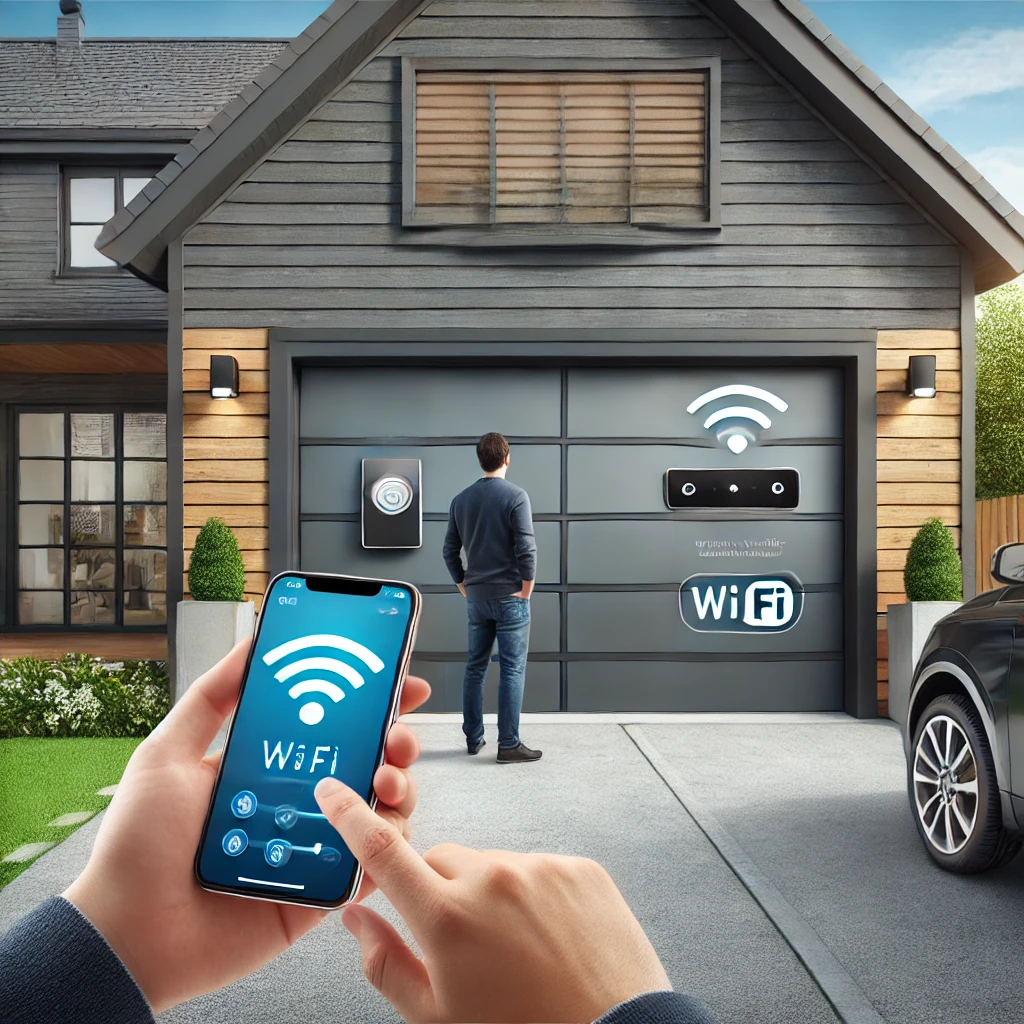
A smart garage door opener does two things a conventional one cannot: it tells you the door’s current state from anywhere, and it lets you change that state without a remote in your hand. Everything else marketed under the word “smart” is built on those two capabilities.
That is genuinely useful in a valley where a lot of people commute out over the pass or down the I-90 corridor and cannot easily turn around to check a door. It is also frequently oversold. This guide covers what the technology actually does, what it does not do, what it costs you in dependencies, and how to decide whether to upgrade the opener or add a controller to the one you have.
What makes an opener “smart”
Underneath the branding, a smart opener is a conventional opener plus a Wi-Fi radio, a door position sensor, and a cloud service that connects a phone app to both. The motor, the rail, the springs and the door itself are unchanged. This matters more than it sounds: a smart opener on an unbalanced door is an unbalanced door that can send notifications.
The core features
- Remote open and close from a phone, on any network, at any distance.
- Status and history — whether the door is open or closed right now, and a log of when it moved and by which method.
- Alerts — a push notification when the door opens, or when it has been left open longer than a set interval.
- Scheduled auto-close — the single feature that resolves the most real-world problems, because the door left open overnight is the most common failure of the human in the system.
- Guest and delivery access — time-limited or one-time access for a dog walker, a contractor or a courier, with a record of who used it.
- Integration with a home security system, cameras or a smart home platform, so the door state becomes one input among several.
Where it genuinely helps in the valley
Three situations come up repeatedly with customers in North Bend, Snoqualmie, Fall City and Carnation.
The long commute. If your workday starts with a drive over the pass or west toward Seattle, “did I close the garage?” is not a question you can answer by looping back. Status plus remote close is the entire value proposition, and for many households it is enough on its own.
Detached garages and shops. A lot of older properties out toward the Tolt River and along the edges of Carnation have a garage or shop set well away from the house, sometimes out of sight of it. A door open all night on an outbuilding is easy to miss. An alert is not.
Deliveries and property access. Rural-edge addresses in the valley are not always ideal for packages left at the door. Time-limited access, with a log, gives a way to handle that without handing out a permanent code.
What smart features do not do
Being clear about this saves disappointment.
- They do not make the door harder to force. Physical security comes from the door, the lock, the track and the emergency release — not from the app.
- They do not replace maintenance. A smart opener reports that the door did not close. It does not know that the roller is seizing, and it will not stop a spring from breaking.
- They do not work without internet. When the connection is down, the app is down. The wall button, the remotes and the manual release all still work — but the smart layer is the first thing to disappear in an outage, which in this valley is exactly when a winter windstorm has hit.
- They do not fix an aging door. Adding a smart controller to a door with tired springs buys you notifications about a problem, not a solution to it.
A security point worth understanding
Every residential garage door has an emergency release — the red cord — that disconnects the door from the opener so it can be lifted by hand during a power failure. It is a required safety feature and it should stay functional. It is also, on some doors, reachable from outside through the gap at the top of the door with a length of wire.
If that concerns you, the answer is a physical one: a release-cord shield, a shorter cord, or a door and header that close the gap. No opener firmware addresses it. It is worth mentioning because it is the part of garage security that people who have just bought a smart opener most often assume is now covered.
Upgrade the opener, or add a controller?
There are two routes, and the cheaper one is right more often than not.
Add a retrofit controller
A small device wires into the existing opener’s terminals and adds a door position sensor. You keep your opener; you gain app control, status and alerts. Compatibility depends on your opener’s age and its safety-sensor design, so it is worth confirming the model before buying anything. This is the sensible route when the existing opener is sound and reasonably quiet.
Replace the opener
Worth doing when the opener is genuinely at the end of its life, when it is a chain drive whose noise is a problem — belt drives are dramatically quieter, which matters when the garage sits under a bedroom — or when it predates the 1993 requirement for photo eyes and auto-reverse, in which case it should be replaced regardless of any smart considerations.
If you are replacing the opener because the door is failing, sort out the door first. An opener that keeps burning out is often reporting a spring or balance problem, and a new unit on the same unbalanced door will follow the old one. Opener diagnosis and spring work are different jobs, and it is worth knowing which one you actually have.
Practical setup notes
- Check Wi-Fi at the opener, not at the house. A detached garage is often two exterior walls away from the router. A mesh node or an access point in the garage is a much better investment than fighting a marginal signal.
- Turn on auto-close with a warning interval. It is the feature that prevents the actual problem most people are trying to solve.
- Use unique credentials and two-factor authentication. The app account is a key to your house. Treat it like one.
- Keep a working physical remote. When the network is out, that is what opens the door.
- Do not disable the photo eyes to make an app-triggered close work. If the door will not close remotely because the sensors object, the sensors are the thing to fix.
Common questions
Will a smart controller work with my existing opener?
Often, but not always. It depends on the opener’s brand, its age and how its safety sensors are wired. Have the model number of the opener — usually on the label on the side of the motor housing — before you buy anything.
What happens during a power outage?
The same thing that happens with any opener: nothing moves under power, and you pull the release cord and lift by hand. Some units include a battery backup, which will run the door a limited number of times. The smart features go down with the network, which is worth planning around given how winter storms behave here.
Is it worth it on an old door?
If the door itself is sound and balanced, yes — the opener and the door are separate systems. If the door is at the end of its life, the smart features are the wrong thing to spend on first, and a new door with a modern opener is the better sequence.
Does it help with insurance or resale?
We are not in a position to say what any particular insurer will do — that is a question for your agent. On resale, a quiet belt-drive opener with working safety features is a more reliable selling point than the app itself.
Serving the Snoqualmie Valley
If you want a straight answer on whether a retrofit controller will work with your opener, or whether the opener is worth keeping at all, we are happy to look at it. We come to you across North Bend, Snoqualmie, Fall City and Carnation. Estimates are free and the phone is answered 24/7 — call (425) 363-9321 or send us a message. Our work is reviewed publicly — see the 5.0-star Google Business Profile (52 reviews).